Clear The Deck

Clear The Deck - Card Prediction Game with Over Under Scoring

What's The Game All About?
"Clear the Deck" is a thrilling card prediction game where players test their luck and intuition to clear the deck. Choose your deck type, difficulty level, and get ready for a challenging yet addictive experience.
How it Works
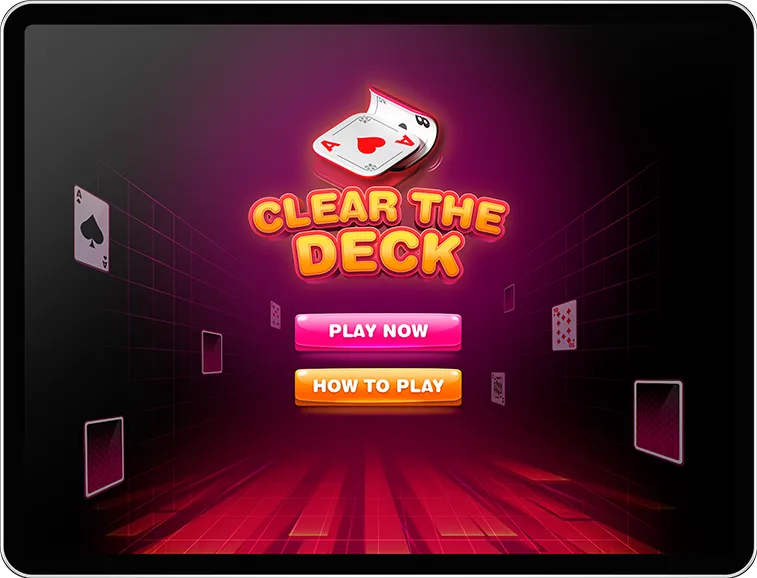

Game Start
- Visit the game's home page and click "Play Now" to start a new game.
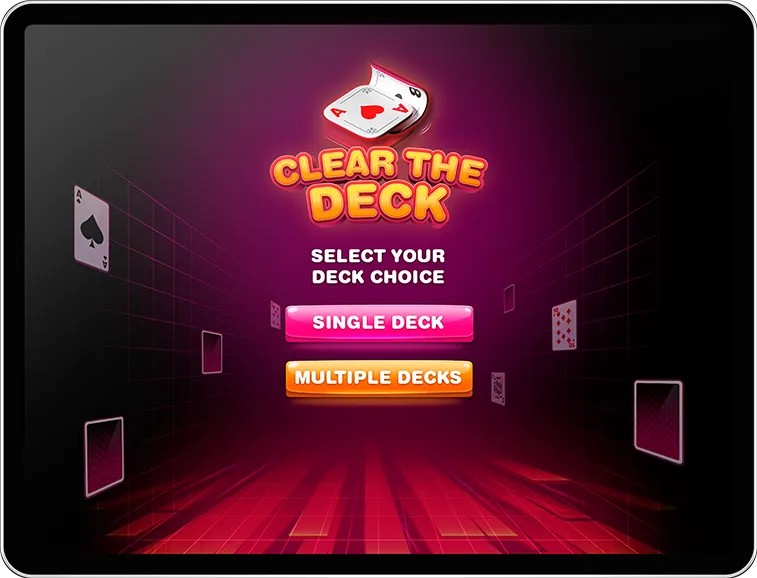
Deck Choice
- Select your preferred deck type - either Single Deck or Multiple Decks.
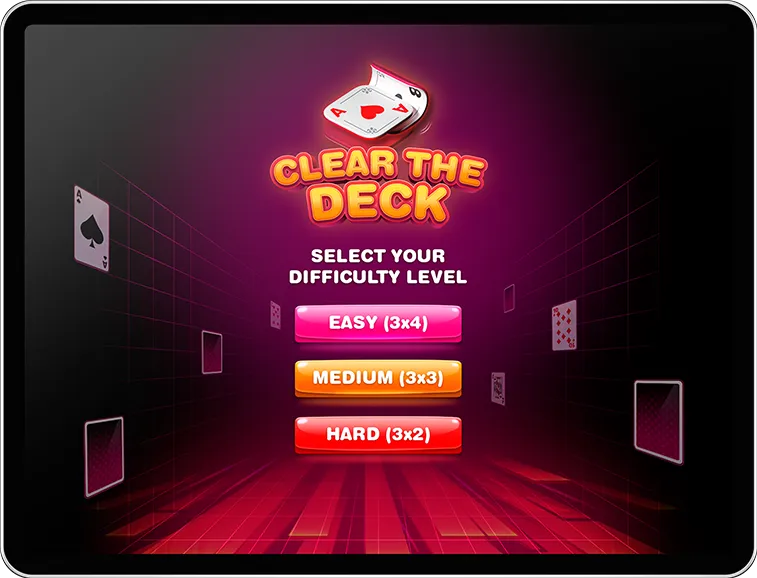
Difficulty Level
Choose your desired difficulty level.
- Easy (3x4)
- Medium (3x3)
- Hard (3x2)

Gameplay Screen
- Once the game starts, you'll see a pile of cards based on the difficulty level you selected.
Easy (3x4)
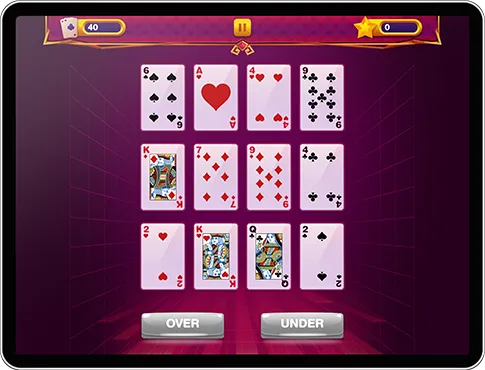
Medium (3x3)
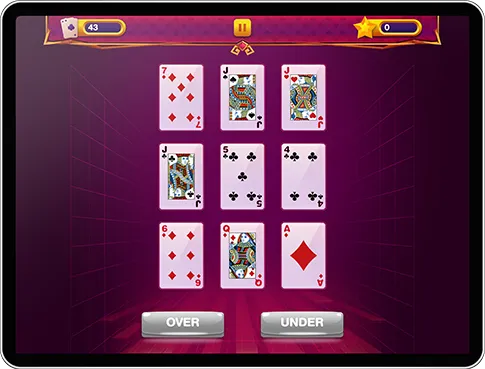
Hard (3x2)
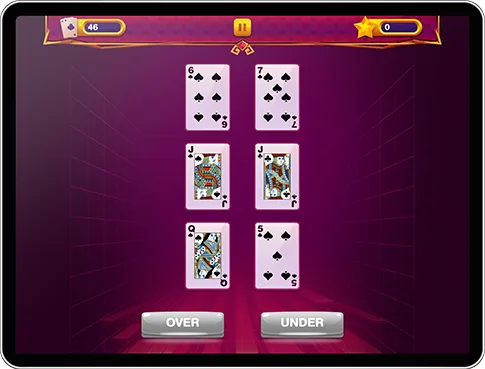
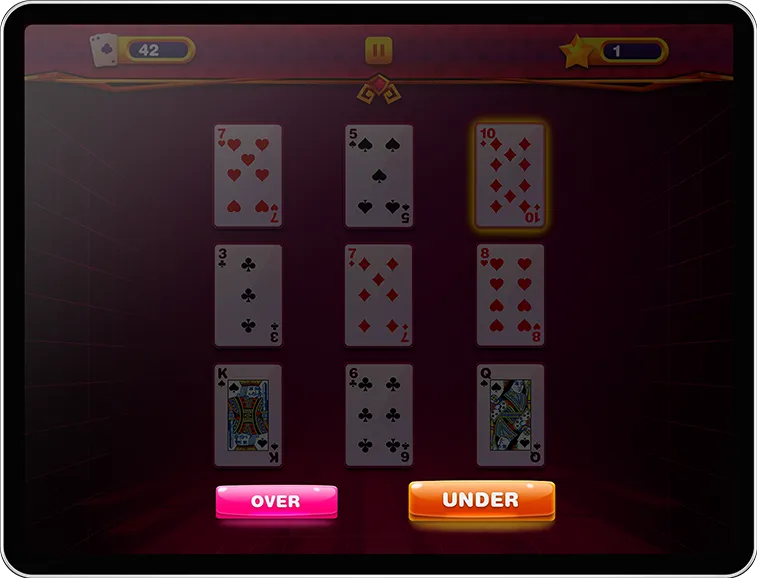
Guessing
- Tap on any card in the pile and make a prediction - whether the next card will be Over or Under the selected card. (Note: Ace is considered high in this game).
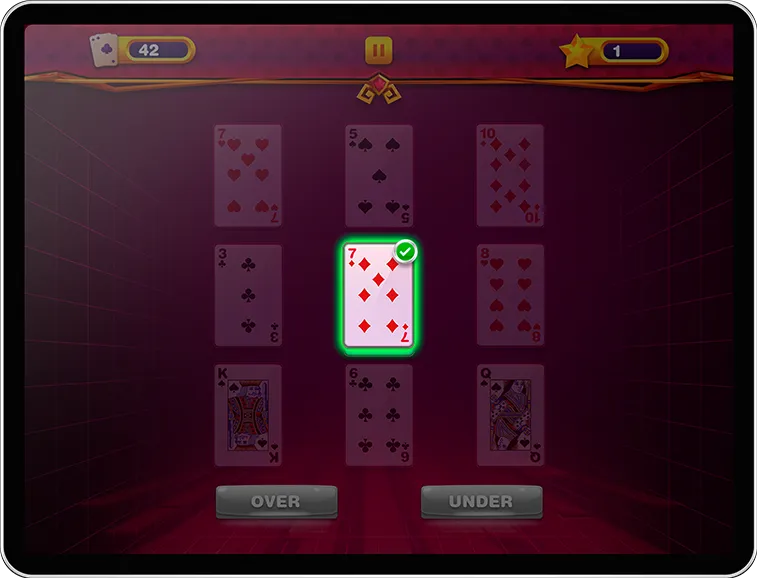
Correct
- When the user's prediction is accurate, they earn 1 point, and the card will be outlined in green with a green check mark displayed on top of it.
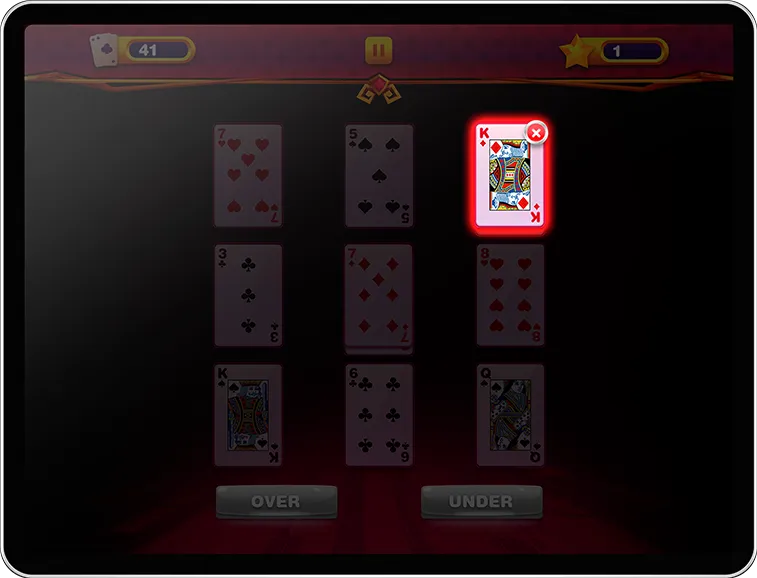
Incorrect
- If the user's prediction is incorrect, they won't earn any points, and the card will be outlined in red with a cross mark displayed on top of it. Subsequently, the chosen card will be forfeited.
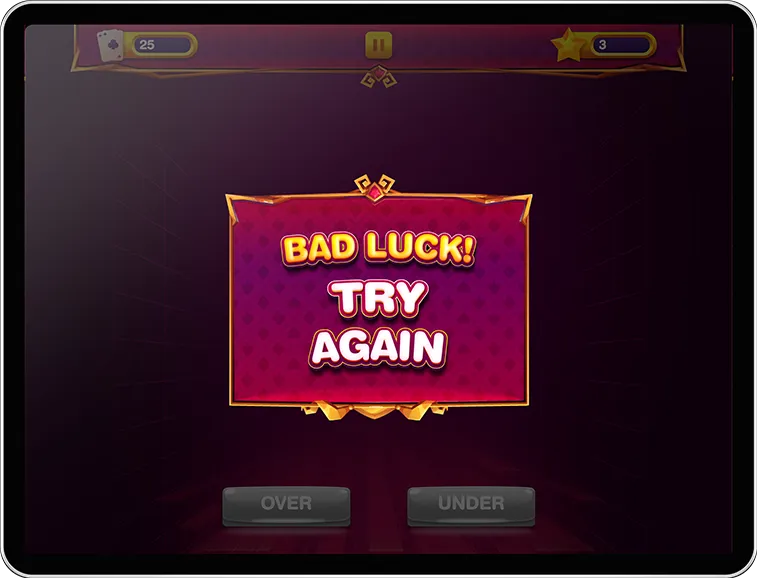
Bad Luck!
- If there are no cards left due to incorrect guesses, an animation saying "Bad Luck! Try Again" will be displayed.
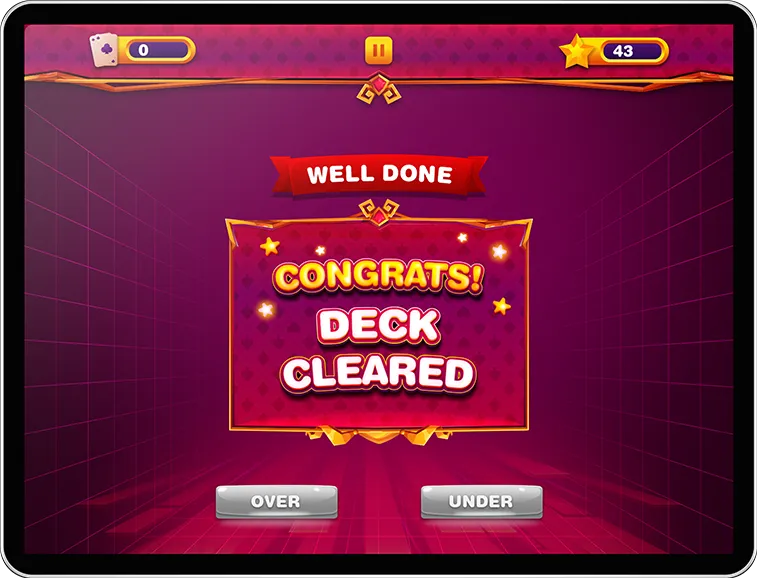
Congrats!
- Continue guessing and clearing the deck until there are no more cards left. If the user clears the deck, an animation will be displayed saying "Congrats! Deck Cleared."
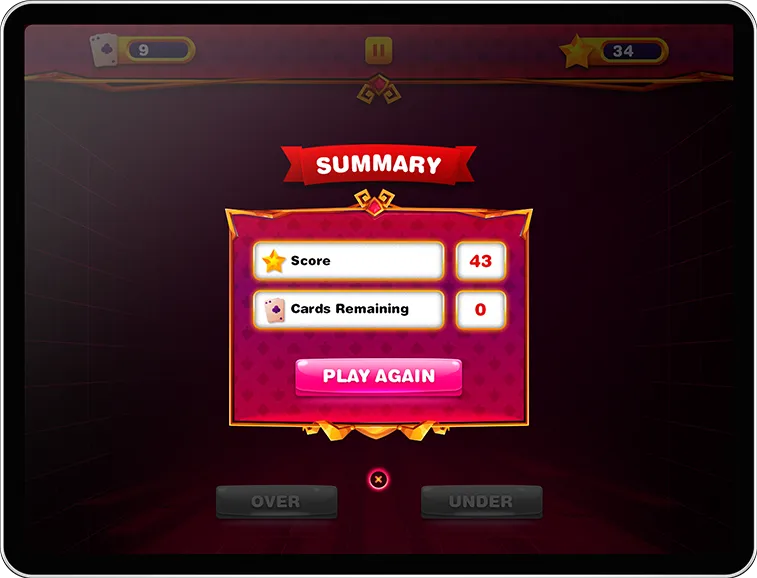
Summary
- A Game Summary will appear after the animation showing the Score and Cards Remaining.
Game Expectations
-
Engaging and Fast-paced Gameplay
- Experience an immersive and fast-paced gaming environment that keeps you on the edge of your seat. Enjoy quick rounds of guessing and anticipation as you work to clear the deck.
-

Test Your Intuition and Luck
- Put your intuition and luck to the test as you make predictions about the next card in the deck. Feel the rush of excitement with each correct guess and the challenge of overcoming incorrect predictions.
-

Strategic Decision-Making
- Strategize your moves carefully to maximize your points while minimizing the risk of losing piles. Analyze the cards on the pile and make calculated guesses to progress efficiently through the game.
-

Rewarding Achievement
- Feel a sense of accomplishment as you successfully clear the deck and achieve a high score. Challenge yourself to beat your own records and strive for mastery in this addictive card game.

Test Your Luck and Clear the Deck! Dive into the thrilling world of card prediction with 'Clear the Deck'! Choose your deck, set the difficulty level, and embark on a journey of intuition and strategy. Can you conquer the deck and claim victory? Play now and find out!
FAQ's
-
Q: Can I change the selected deck choice in the middle of the game?
-
Q: What happens if I run out of cards to select before clearing the deck?
-
Q: Is there a penalty for guessing incorrectly?
-
Q: Can I undo my guess after making it?